Ever wondered how your phone pairs with your car via Bluetooth, and what Bluetooth actually is? Here's a clear, plain-English guide to how it works and how to connect your phone
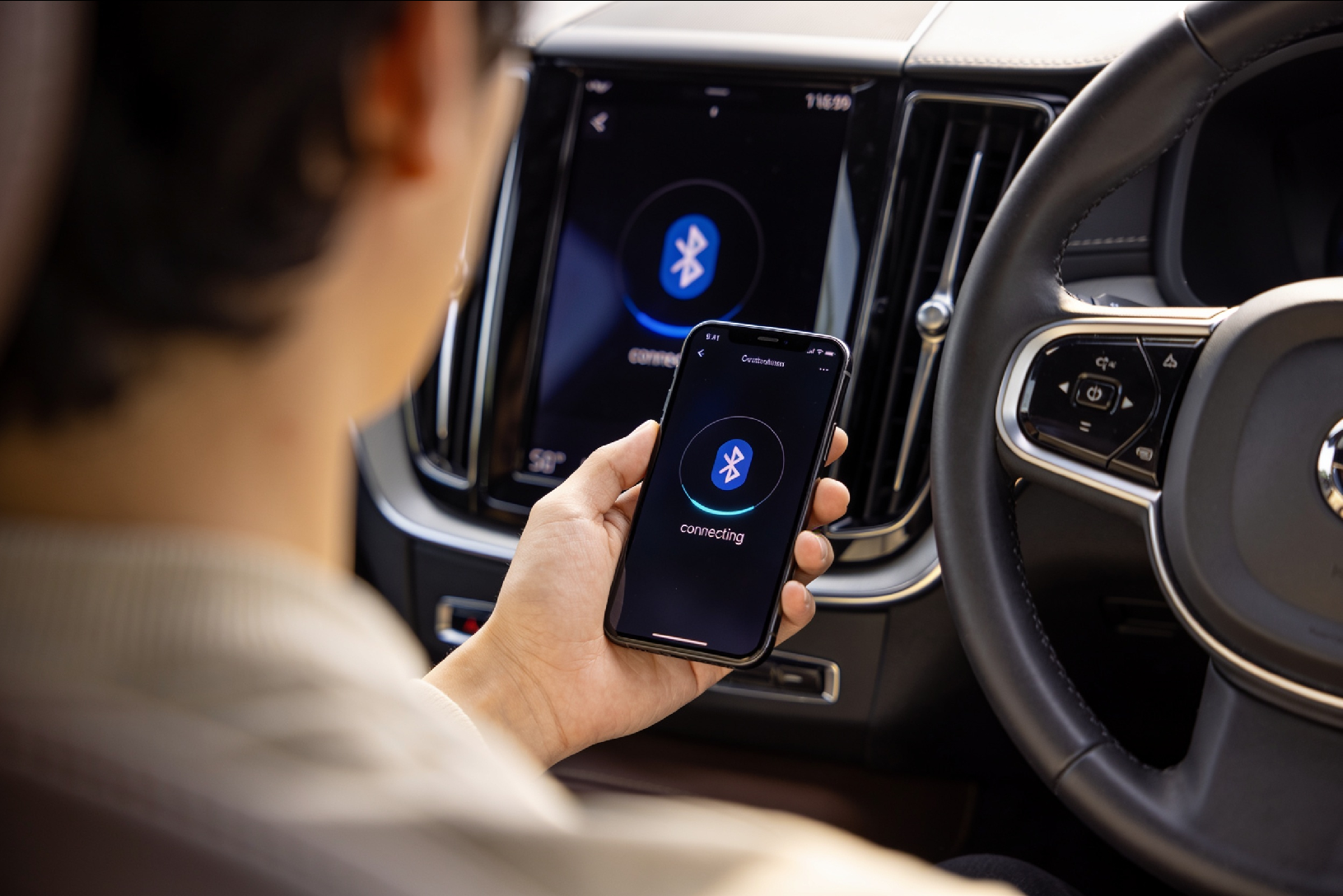
You get in the car, and moments later your phone is playing music through the speakers, your calls come through the dashboard, and your podcast picks up right where it left off. It all happens automatically, wirelessly, and most of us never give it a second thought.
But how does that actually work? What is Bluetooth, really, and how does your phone strike up a conversation with your car without any wires? It is one of those everyday technologies that feels like magic until someone explains it, so let's explain it, in plain English, and then walk through exactly how to connect your phone to your car.
What is Bluetooth?
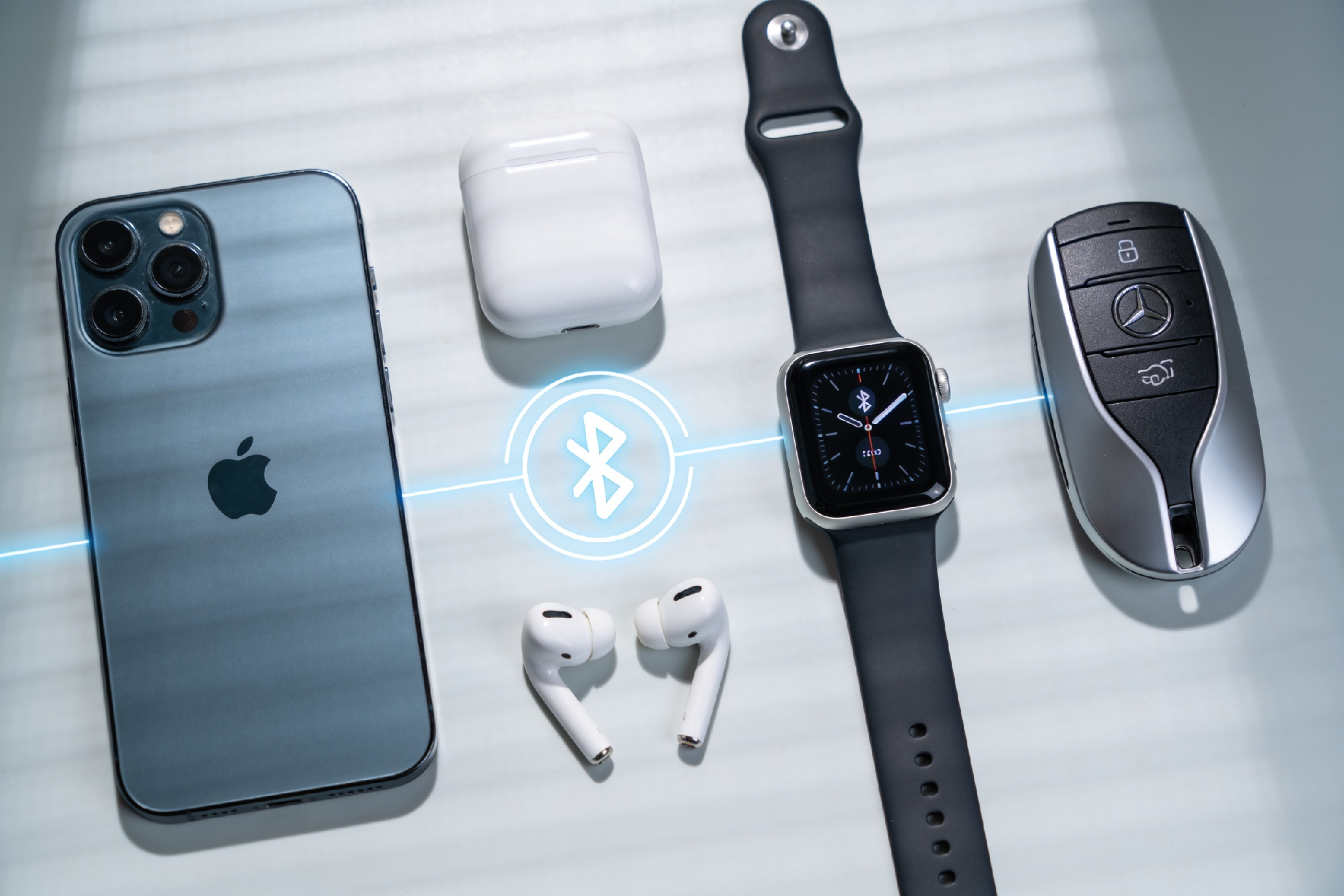
Bluetooth is a wireless technology that lets two devices talk to each other over short distances without any cables. It was created back in the late 1990s specifically to replace the tangle of wires connecting our devices, and it has since become one of the most widely used technologies on the planet, built into billions of phones, cars, headphones, speakers, watches, and more.
The name itself is a fun piece of trivia. Bluetooth is named after a 10th-century Danish king, Harald "Bluetooth" Gormsson, who was famous for uniting warring Danish tribes into a single kingdom. The technology's creators saw it as uniting different devices the way the king united the tribes. The Bluetooth logo is even made from the king's initials written in ancient Norse runes.
At its heart, Bluetooth does one simple thing: it lets devices exchange information wirelessly, whether that is streaming audio, transferring a phone call, or sending your contact list to your car.
How does Bluetooth actually work?
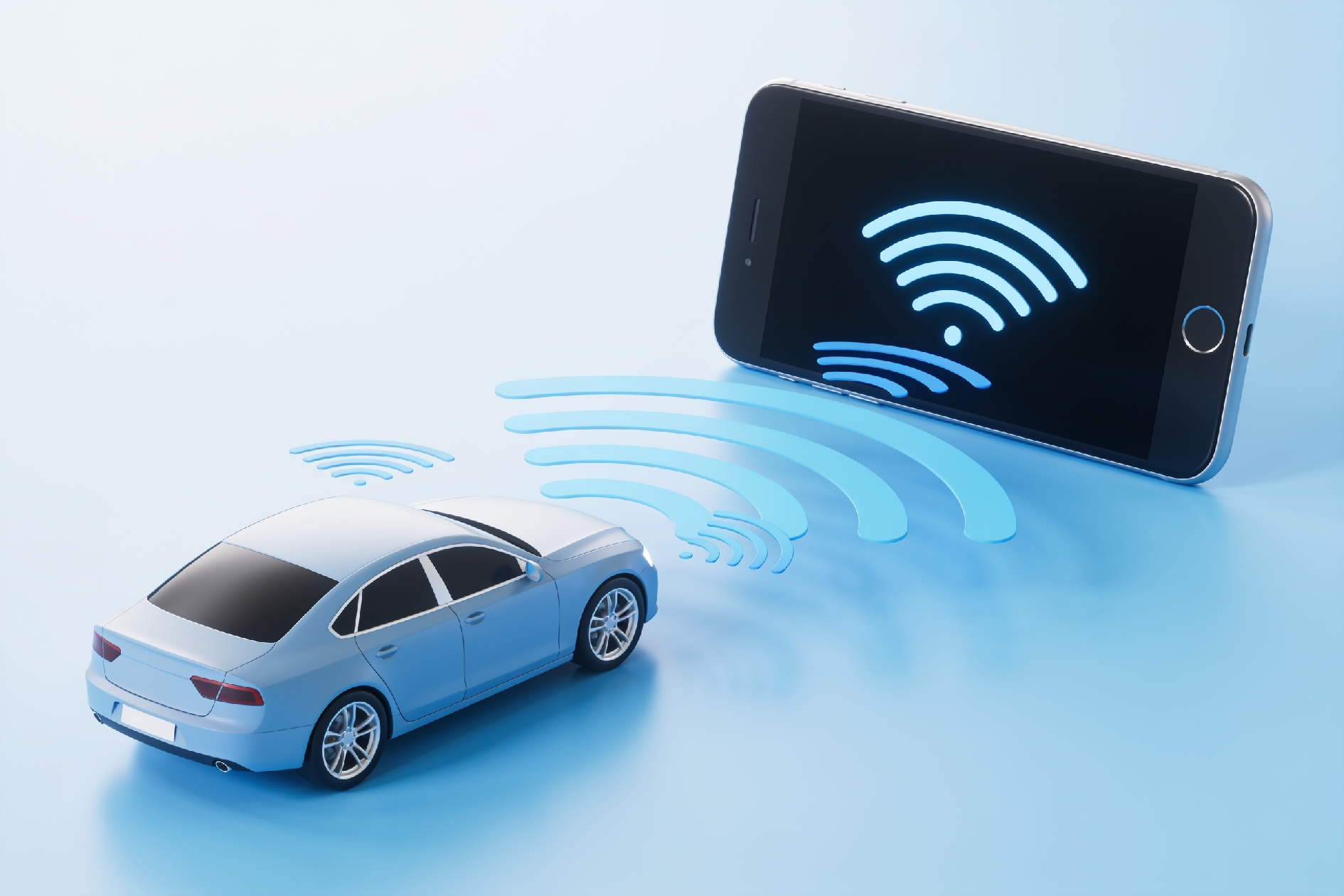
Bluetooth works using radio waves, the same basic idea as radio, wifi, or a cordless phone, just tuned for short-range, low-power communication.
It uses radio waves, not a physical signal. Every Bluetooth device contains a tiny radio chip and antenna. This chip broadcasts and receives radio signals on a specific frequency band, the 2.4 GHz band, which is an internationally reserved slice of the radio spectrum set aside for industrial, scientific, and medical uses. This is the same general band used by wifi and many other wireless gadgets, which is why it is free to use worldwide without a licence.
It is deliberately short-range and low-power. Unlike a radio station that broadcasts for kilometres, Bluetooth is designed to work over short distances, typically up to around 10 metres for the kind of connection between your phone and your car, though newer versions can reach further. This short range is a feature, not a limitation. It keeps power consumption tiny (so it barely dents your phone battery) and it reduces interference with other devices nearby.
It hops between frequencies to avoid interference. Here is a clever bit. The 2.4 GHz band is busy, with wifi, other Bluetooth devices, and all sorts of gadgets sharing it. To avoid clashes, Bluetooth uses a technique called frequency hopping. The connected devices rapidly switch between many different channels within the band, many times per second, in a synchronised pattern that only they know. If one channel is briefly busy or noisy, the data simply goes through on the next hop. This happens so fast and so seamlessly that you never notice it, and it is a big part of why your music does not constantly drop out.
The devices form a small private network. When your phone and car connect, they form a tiny personal network. One device acts as the coordinator and the other as the follower, and they agree on that frequency-hopping pattern so they stay perfectly in sync. Your car can act as the coordinator for several devices at once, which is how a car can remember and connect to multiple family members' phones.
What is "pairing", and why do you only do it once?
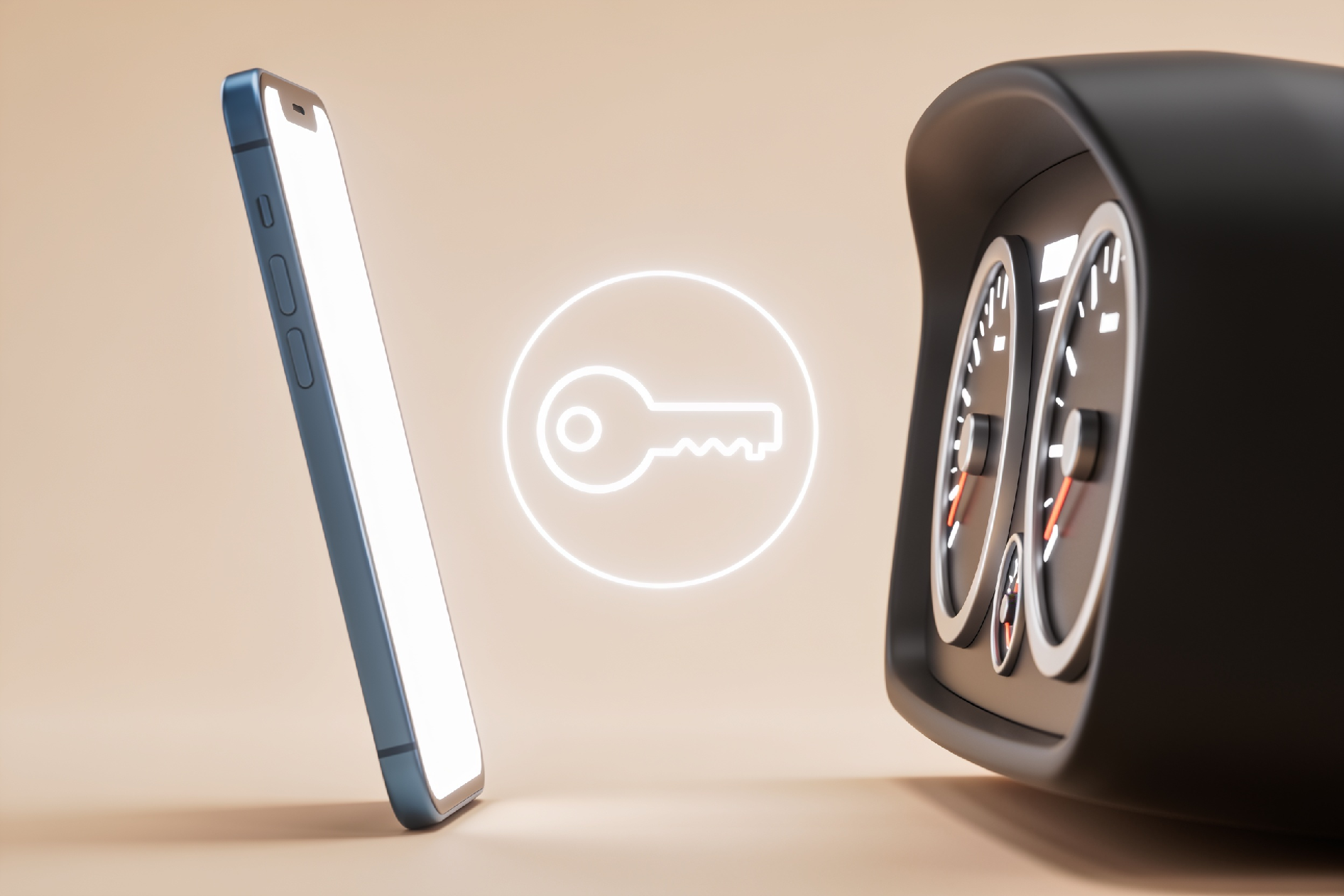
This is the part that confuses people most, so it is worth explaining clearly. There is a difference between pairing and connecting.
Pairing is the one-time introduction between two devices. The first time your phone and car meet, they exchange identifying information and, importantly, create and swap a shared security key. This is a bit like two people exchanging phone numbers and agreeing on a secret password so they can recognise each other in future. During pairing you often confirm a code or a prompt on both devices, which is a security step to make sure you are connecting to the right car and not someone else's device nearby.
Connecting is what happens every time after that. Because the two devices already know each other and share that security key, they recognise each other automatically and reconnect without any fuss. This is why you only go through the setup process once. After that first pairing, your phone and car greet each other like old friends every time you get in.
The security key exchanged during pairing also means the connection is encrypted, so the audio and data passing between your phone and car are scrambled and protected from anyone trying to eavesdrop.
How to pair your phone to your car, step by step
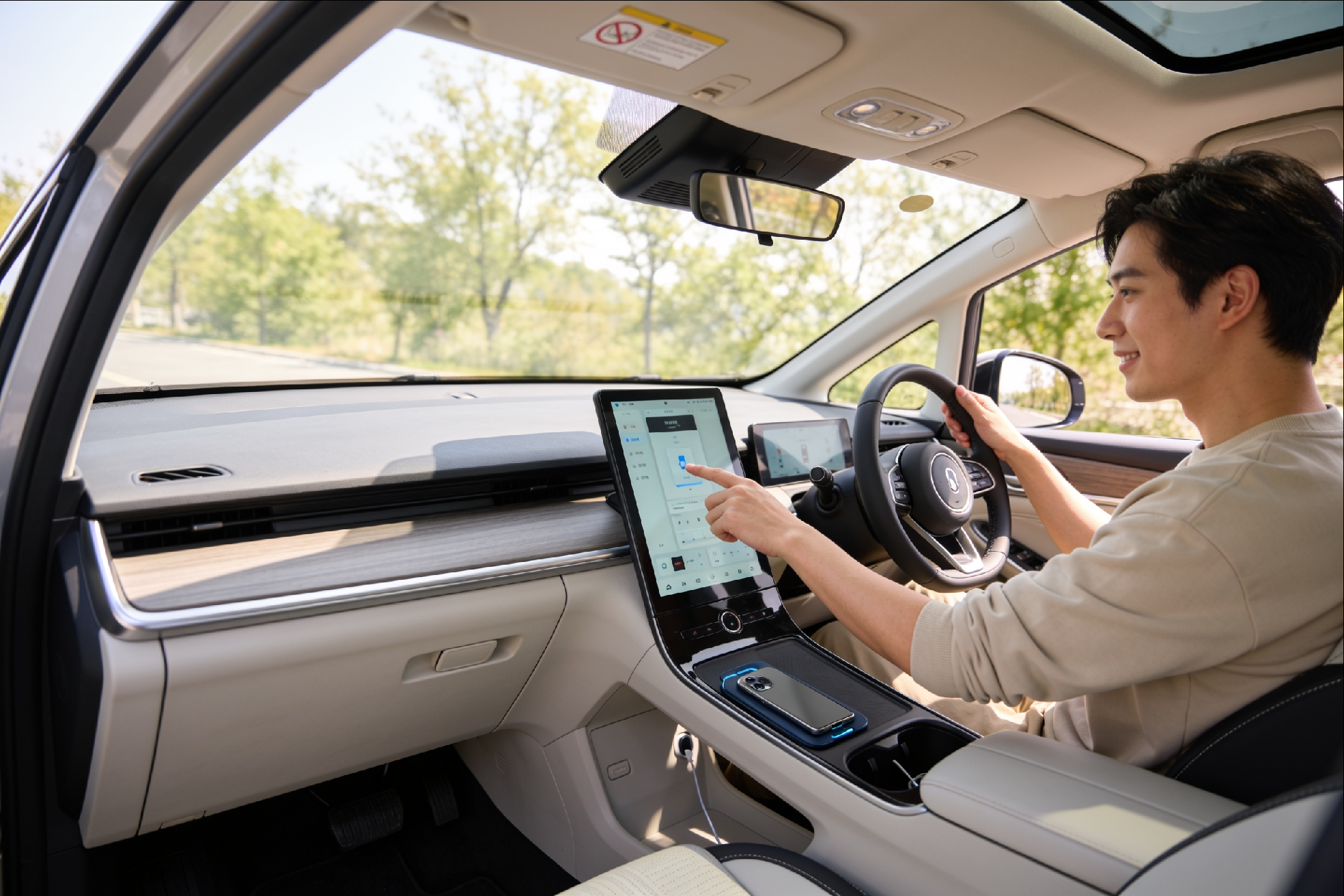
The exact menu names vary between car brands and phone models, but the process is almost always the same. Here is how to do it.
Step 1: Put your car's system into pairing mode. On your car's infotainment screen, find the Bluetooth or Phone settings menu, and look for an option like "Add device", "Pair new device", or "Bluetooth setup". Select it. Your car is now discoverable, meaning it is broadcasting that it is available to pair. Some cars require you to do this from a Settings or Connections menu, and your owner's manual will point you to the exact spot.
Step 2: Turn on Bluetooth on your phone. On an iPhone, go to Settings, then Bluetooth, and make sure it is switched on. On an Android phone, swipe down for quick settings or go to Settings, then Connected devices or Bluetooth. Make sure Bluetooth is on.
Step 3: Find your car in the list. On your phone's Bluetooth screen, you will see a list of available devices. Your car should appear, usually shown by its make or model, or sometimes a code. Tap it to begin pairing.
Step 4: Confirm the pairing code. A code, usually a series of numbers, will appear on both your phone screen and your car screen. Check that they match, then confirm on both. This is the security handshake. On some cars, it may just ask you to confirm "Yes" to pair rather than showing a code.
Step 5: Allow permissions. Your phone will usually ask whether to share your contacts and message notifications with the car. Allowing contacts means the car can show you who is calling by name and let you dial from your address book. This is your choice, and you can change it later.
Step 6: You're done. The devices are now paired. From now on, whenever you get in the car with Bluetooth enabled on your phone, they will connect automatically within a few seconds. Your music, calls, and podcasts will route through the car with no further effort.
What Bluetooth lets you do in the car
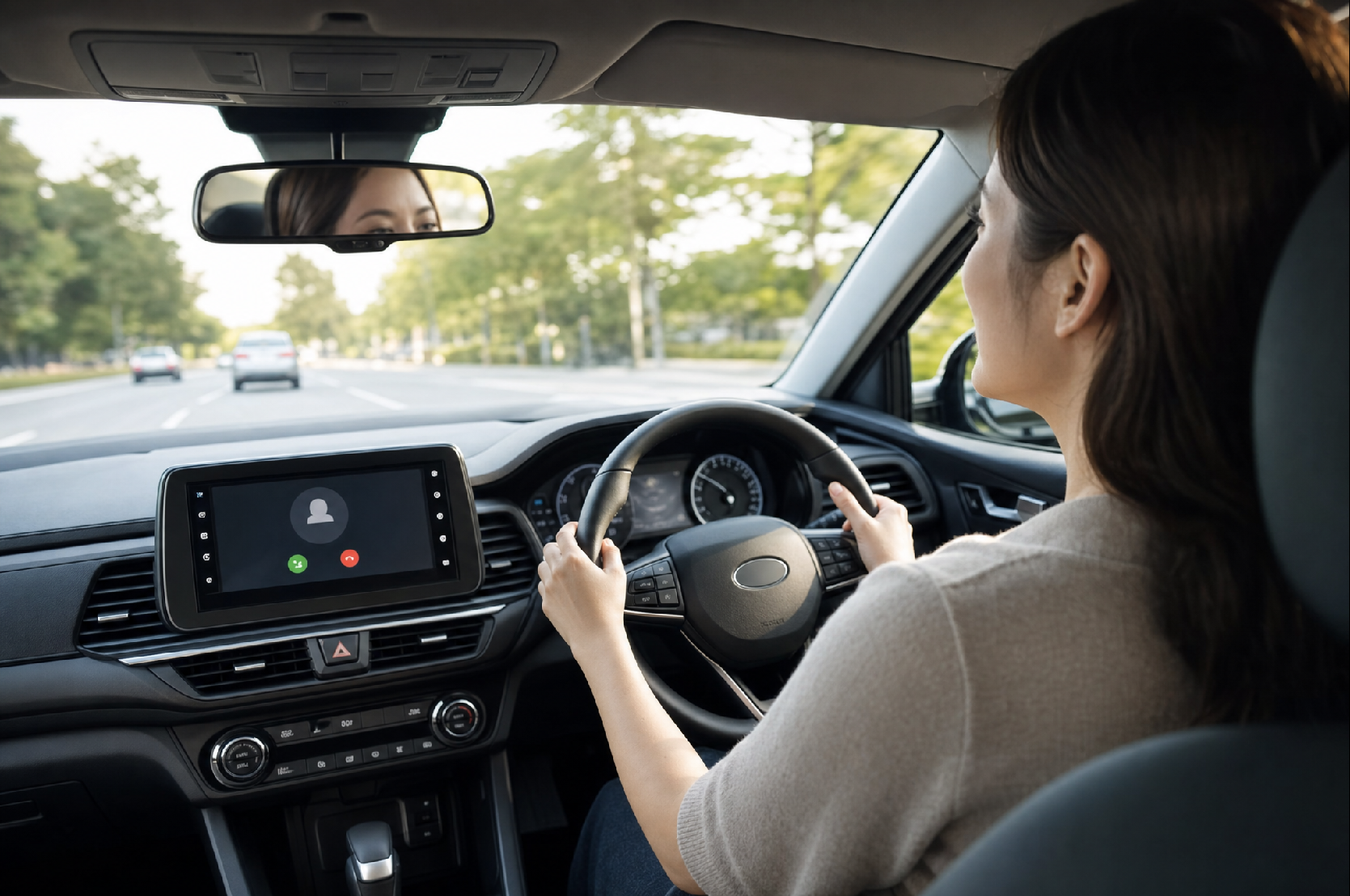
Once connected, Bluetooth typically enables several things:
- Hands-free calling. Make and receive calls through the car's speakers and microphone, keeping your hands on the wheel and your eyes on the road, which is not just convenient but a legal requirement, as using a handheld phone while driving is illegal in New Zealand.
- Audio streaming. Play music, podcasts, and audiobooks from your phone through the car's sound system.
- Contact and call info. See who is calling by name, and dial from your contacts using the car's screen or voice control.
- Voice assistant access. Trigger Siri or Google Assistant through the car to make calls, send messages, or get directions by voice.
It is worth noting that Bluetooth is also part of how wireless Apple CarPlay and Android Auto get started, though those systems then typically use wifi for the higher-bandwidth screen mirroring, with Bluetooth handling the initial connection and the phone calls.
Common Bluetooth problems, and how to fix them
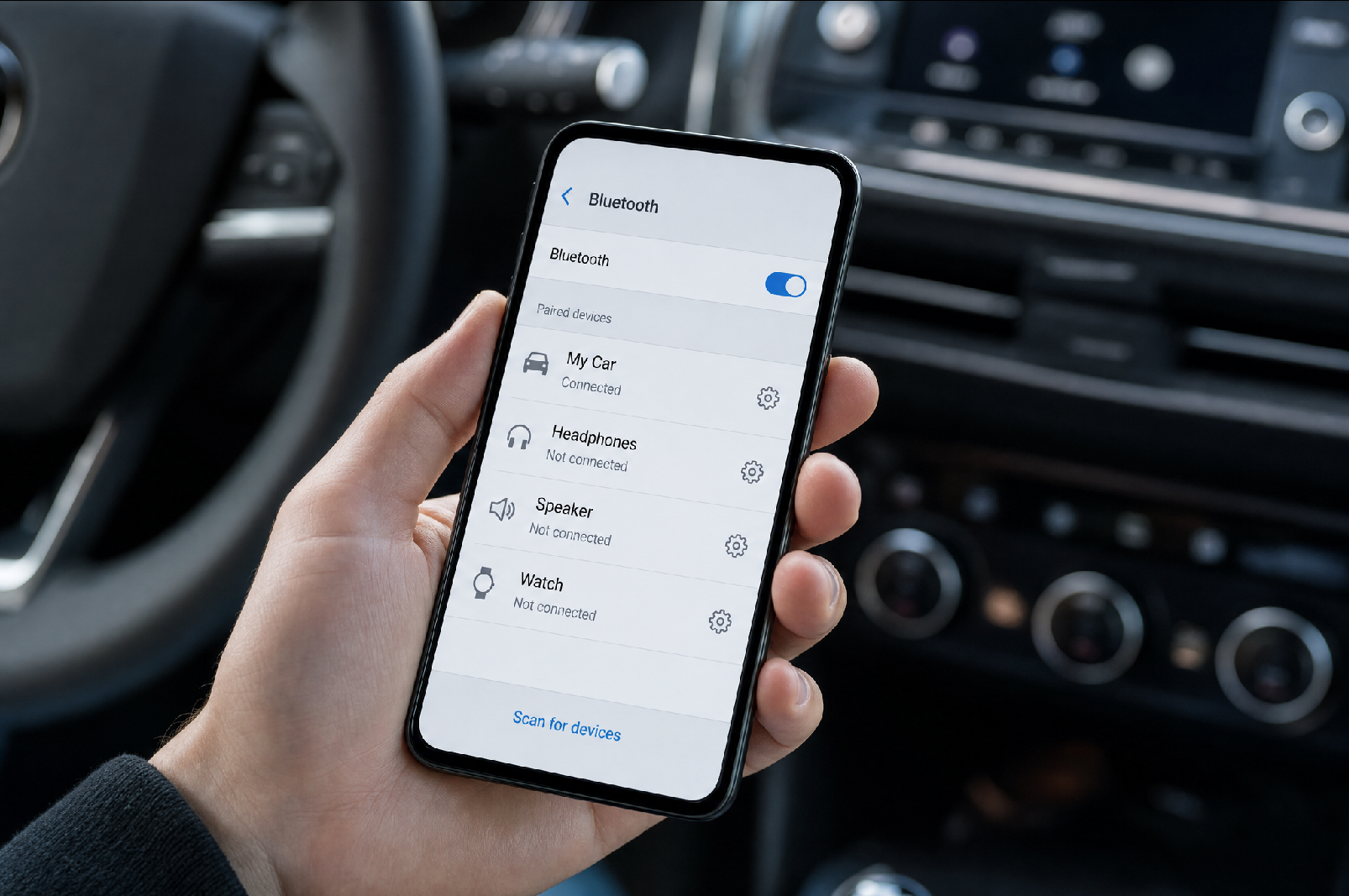
If your phone will not connect, these simple steps solve the vast majority of issues:
Make sure Bluetooth is on and the phone is close by. It sounds obvious, but a Bluetooth toggle switched off, or a phone left in a bag in the back seat at the edge of range, is a common culprit.
Delete the pairing and start fresh. If a previously working connection has gone flaky, the fix is often to "forget" or remove the car from your phone's Bluetooth list, and delete your phone from the car's device list, then pair again from scratch. This clears out any corrupted connection data.
Check you are not already connected to something else. A phone can only stream audio to one Bluetooth device at a time. If your phone is connected to your wireless earbuds or a home speaker, it may not route to the car. Disconnect the other device.
Restart both devices. The classic fix for a reason. Turning your phone off and on, and restarting the car, resolves a surprising number of temporary glitches.
Update your phone's software. Occasionally, an out-of-date phone operating system can cause connection issues that a software update resolves.
Check the car only pairs with a limited number of phones. Many cars store a limited number of paired devices (often around five). If the list is full, you may need to delete an old device before adding a new one.
A quick word on Bluetooth versions
You may see cars and phones advertised with different Bluetooth versions, and the technology keeps advancing, with the standard now well into its sixth generation. Newer versions bring better range, lower power use, improved security, and enhanced audio, but here is the reassuring part: Bluetooth is designed to be backward compatible. A newer phone will happily connect to an older car's Bluetooth system, and vice versa. They simply talk to each other using the best set of features they both support. So you do not need to worry about matching version numbers, your phone and your car will sort that out between themselves.
The bottom line
Bluetooth is one of those quiet technologies that makes modern driving safer and more convenient, letting your phone and car work together seamlessly without a single cable. Under the hood it is elegantly clever, using low-power radio waves and rapid frequency hopping to maintain a secure, reliable connection, but for you as a driver, it comes down to a one-time pairing and then years of your phone and car connecting automatically every time you climb in.
Every electric vehicle we sell comes with modern Bluetooth connectivity as standard, and our team is always happy to help you get your phone paired and set up before you drive away, so you can enjoy hands-free calling and your own music from your very first trip.
Disclaimer
The content in this post is intended for general informational and educational purposes only. The exact steps, menu names, and features for pairing a phone vary between vehicle makes, models, and phone operating systems. Always refer to your vehicle's owner's manual and your phone's support resources for device-specific instructions. Remember that using a handheld mobile phone while driving is illegal in New Zealand, so always set up and use your phone hands-free.
Target keywords: how does bluetooth connect to car, what is bluetooth, pair phone to car bluetooth, how bluetooth works explained